
SecureSharing
Your files. Your environment. Your control.
Share files from your own environment. They stay stored there: in your cloud, a private cloud or your own server room.
How we share securely
Share freely.
Stay in control.
A contract for your lawyer. Project documents for a partner. Sensitive files from a customer. You want to move quickly and know where that information goes.
SecureSharing is JVT's file exchange solution. Install it in your own tenant, private cloud or on-premises. You manage the environment where files are exchanged and stored, rather than placing them with an external file sharing service.
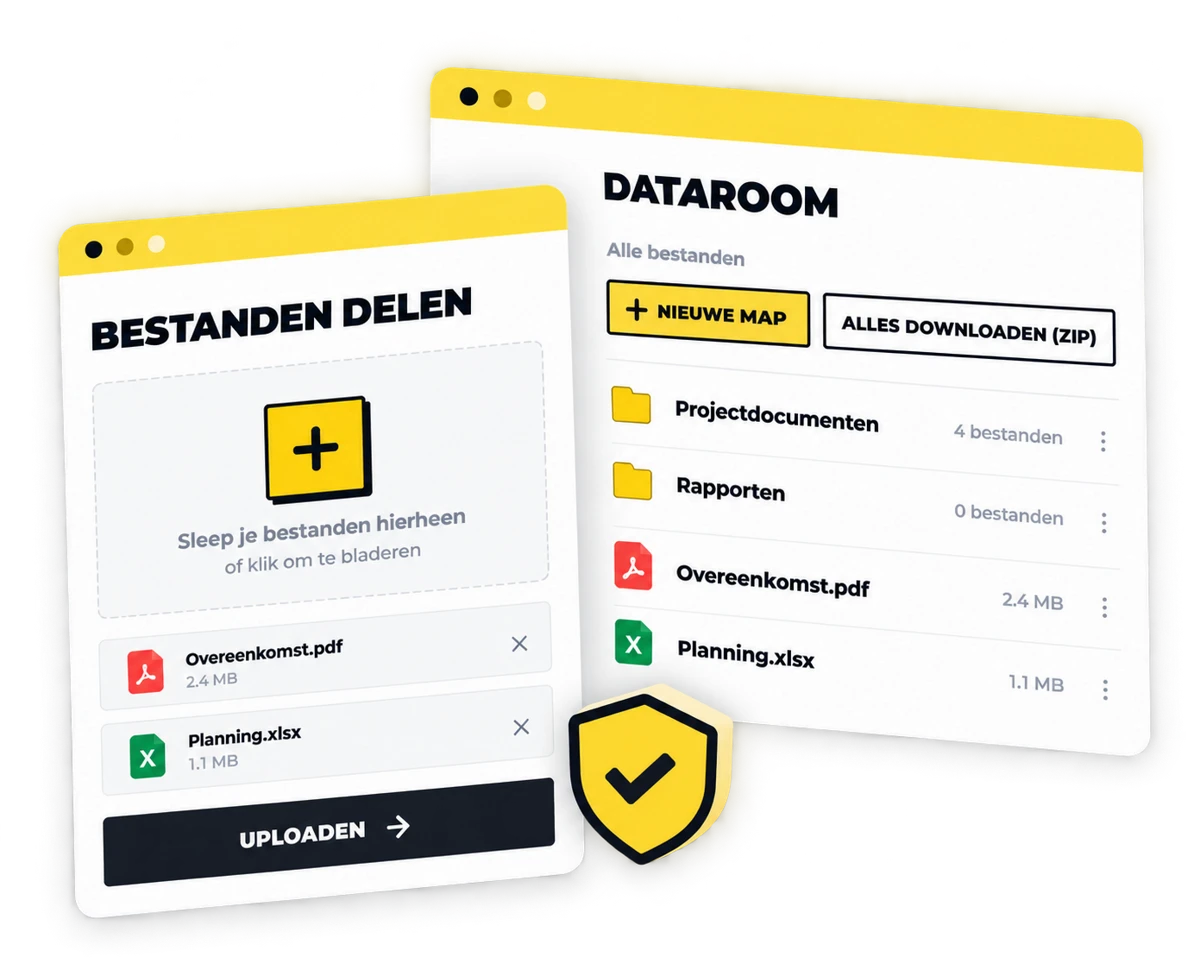
Share a link, collaborate in a data room or request files from others. Built around encryption and recipient verification.
Three ways.
One secure route.
From a quick transfer to a complete case file: choose what suits the information you need to exchange.
Share via a link
Upload one or more files and share them with a link. Easy file transfers, with storage in your own environment and verification for the recipient.
Your own data room
Bring files together in a data room for the intended recipients. Useful for dossiers and document exchange, for example in legal work or collaboration with external parties.
Request files securely
Generate an upload link so others can send you files. Senders can provide multiple files; the upload link expires rather than remaining usable indefinitely.

Encrypted.
From the browser.
Security starts before a file is sent. SecureSharing encrypts uploads in the browser and stores files with two layers of encryption.
- Browser encryption: the file is encrypted before it is sent.
- Double-encrypted storage: an additional encryption layer protects stored files.
- Upload integrity checks: checksums help detect whether files have changed during upload.
This combines protection of the contents with checks on the integrity of the transfer.
Let's check
who you are.
A forwarded link should not automatically grant access. Recipient verification adds a check before files become accessible.

Double verification
Add an extra verification step to further protect access to shared files.

Mobile verification
Verify the recipient through mobile verification before granting access.

Email verification
Verify the recipient by email. With this check, having the link alone is not enough to open files.

Temporary upload links
Request files with a link that expires, so information requests do not remain open indefinitely.
Your environment.
Your choice.
Get started with SecureSharingIn your own tenant
Install SecureSharing in your own cloud tenant or private cloud. Storage and management remain within your environment.
Or on-premises
Prefer your own infrastructure? SecureSharing can also be installed on-premises.
Together, we explore the setup that suits your organisation, the files you exchange and the recipients you work with.
Sharing files?
Stay in control.
Discover how SecureSharing lets you share files, exchange dossiers and request information within your own environment.
We would love to show you how links, data rooms and verification work together.
Show me SecureSharing